 GetAssetPack
VOX to Minecraft schematic
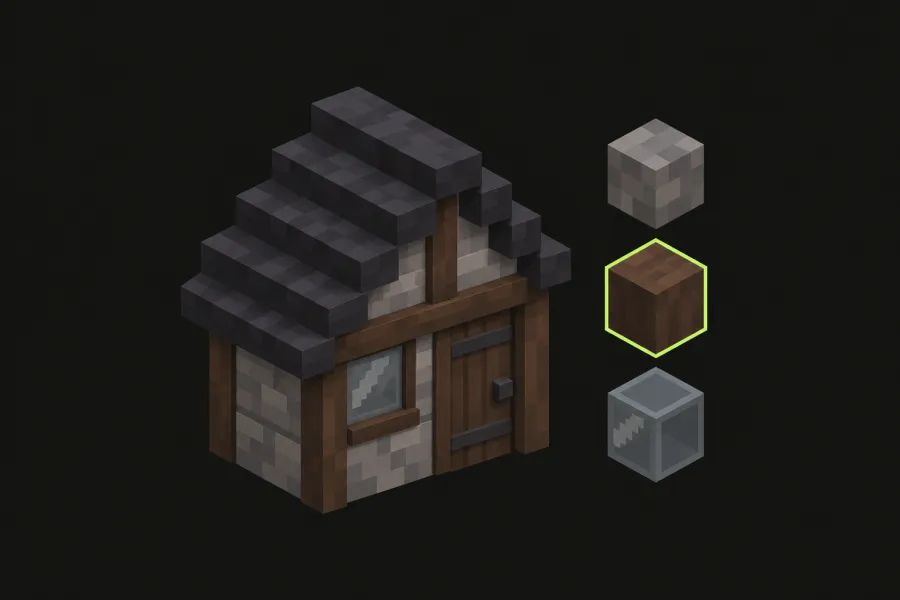
Turn a voxel model into a build for Minecraft Java 1.20.4. Choose your blocks and see how many to gather.
Runs locally in your browser
Drop a .vox file anywhere on the scene.
schematics folder. In Litematica for Java 1.20.4, open Load Schematics, select your file and enable Create a placement to see it in the world.Multi-object scenes keep their layout. Hidden objects are skipped and animated scenes use the first pose.