 GetAssetPack
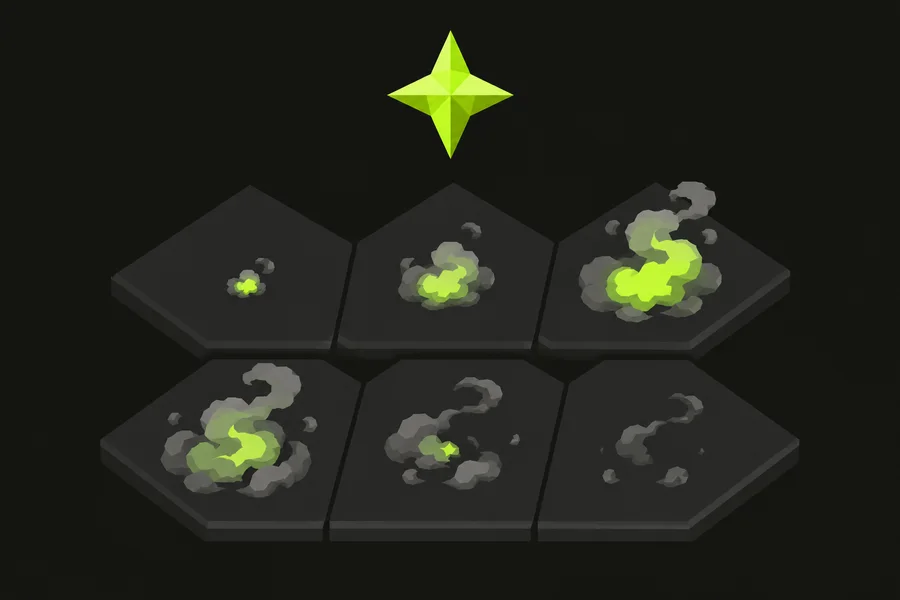
Roblox particle flipbook builder.
Drop animation frames or a finished grid to build a particle texture and preview its lifetime.
PNG frames or grid · ZIP · GIF · Aseprite
Runs locally in your browser
Choose Custom grid and set the columns and rows. The exported Luau sets FlipbookLayout to Custom and writes FlipbookSizeX and FlipbookSizeY. Standard square layouts use their matching enum.
OneShot distributes the particle lifetime evenly across the output cells, including the tail. A GIF or an Aseprite file sets the lifetime from its frames’ mean duration, and frames from the sprite sheet tool from its speed. Frames of different durations play evenly.
Studio reference · ParticleEmitter properties