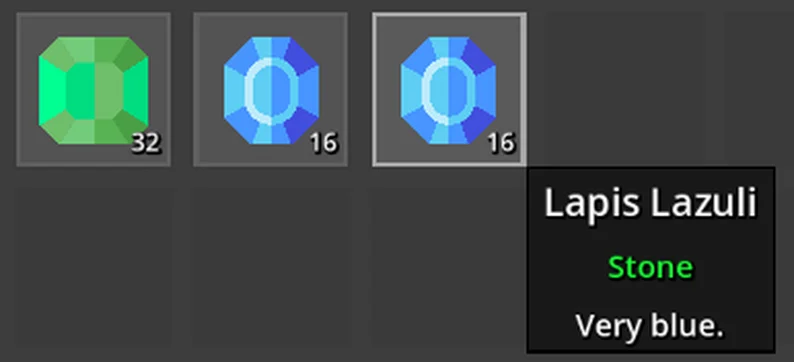
If you need a ready-to-use, simple yet feature-rich storage system for Godot, this is the one for you. The download includes a sample project that demonstrates how to integrate the system into your own game.
Show full description...
- "Loot all" button for non-player inventories
- Dynamic grid generation and locked items
Easy to integrate , customizable, and perfect for inventories, chests, lootboxes, and more!
How to Use
Upon opening the sample project, press "I" to show inventory and start messing around.
extends Control @export var onyx: ItemData @export var ruby: ItemData @export var emerald: ItemData @export var lapis_lazuli: ItemData var storage_scene = preload("res://scenes/Storage.tscn") func _ready(): var player_inventory = storage_scene.instantiate() player_inventory.offset = Vector2(300, 75) player_inventory.init("Inventory", 5, 3, 7, true) add_child(player_inventory) player_inventory.add_item(onyx, onyx.stack_size * 3) player_inventory.add_item(ruby, 17) player_inventory.add_item(emerald, 64) player_inventory.add_item(lapis_lazuli, 32)
Once you set it up, creating a new storage is as easy as that. The arguments for the init() function are the following:
Storage name (string) Columns (int) Rows (int) Locked slots (int) Flag that indicates if storage belongs to player inventory (bool)
Then, you simply add storage component to your node and all all the items (Godot Resources) you want! You can easily transfer and drag and drom items accross different storages.
License
- For use in commercial and non-commercial projects
- Do not resell or redistribute as-is or modified
- Credit appreciated if use
Feedback
As always, if you need help or want to see any feature implemented, or simply want to say hi, the comment section is open below :D
 GetAssetPack