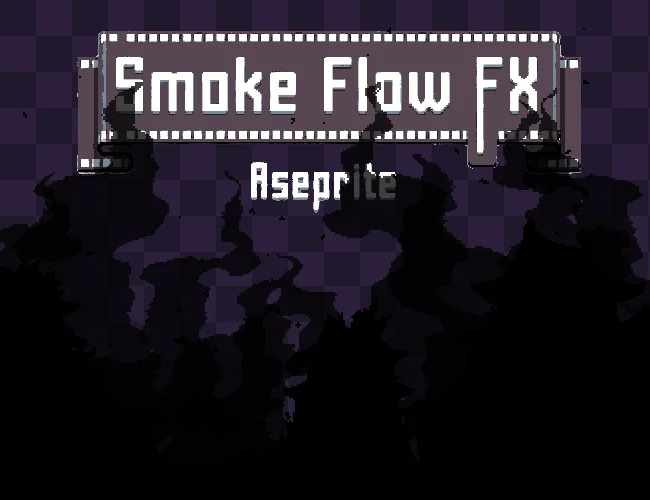
Smoke Flow FX is an Aseprite extension that turns a single hand-drawn cel into a fully animated smoke, fog or swirl effect — no frame-by-frame redrawing required.
Perfect for chimneys, potion brews, magic mist, steam, dust clouds, explosion aftermath, fog banks, and any drifting atmospheric VFX.
Show full description...
- Flow — smoke drifts and rises with a steady current
- Drift — slow, gentle side-to-side wander
- Swirl — smoke curls and spirals around itself
- Burst — a sudden puff that expands and dissipates
🎛 Procedural Generation
Set your source cel, pick a mode, and let the extension generate the animated frames automatically — the underlying shape and detail of your original drawing is preserved throughout the motion.
🎬 Live Preview
Preview the animation before committing to generate the final frames, so you can tune the mode and timing until it looks right.
🎨 Pixel Art Friendly
Built with hard edges and pixel-accurate output in mind, so the result stays consistent with the rest of your pixel art.
🔧 How to Use
1. Draw or select the cel you want to animate
2. Go to Edit ▸ FX ▸ Smoke Flow FX
3. Choose a motion mode (Flow, Drift, Swirl or Burst)
4. Preview the animation and adjust settings
5. Click Generate to bake the frames into your sprite
✅ Compatibility
Requires Aseprite 1.3 or newer.
🎮 Perfect For
- Pixel artists who work in Aseprite
- Indie developers and game jams
- Fast effects without frame-by-frame animation
- Any 2D engine, including Unity, Godot and GameMaker
📜 License
You may use these assets in personal and commercial projects. Modification is allowed. You may NOT resell, redistribute, or include these assets in other asset packs or marketplaces. Credit is appreciated but not required.
💬 Feedback & Support
If you create something cool with Smoke Flow FX, I'd love to see it! Feel free to leave feedback, suggestions or bug reports.
🔥 Want the whole set? Get all the Aseprite tools and generators in one bundle and save more than buying them one by one.
Enjoying this pack? Follow me for new releases, add this pack to your collection, and leave a rating if it was useful — it really helps a small studio like mine. 💛
 GetAssetPack