GetAssetPack

Roblox AutoSliceScale

Roblox AutoSliceScale
Price
Free
Type
Art
Creator
DeveloperPlaceBruno
Dimensions
2D

A Roblox Luau utility automatically adjusts UI SliceScale to viewport size for responsive 9-slice interface elements.

Automatically scales Roblox UI SliceScale for responsive interfaces.

Available on

Search by image

Upload a reference to find previews with similar colors, contrast, and detail.

Roblox AutoSliceScale

Roblox AutoSliceScale1 / 4
DeveloperPlaceBruno · itch.ioFree
2D
Art
License not indexed
  • i Check the terms on the original listing.
Show full terms

Automatically scales Roblox UI SliceScale for responsive interfaces.

A Roblox Luau utility automatically adjusts UI SliceScale to viewport size for responsive 9-slice interface elements.

View original listing

Description

AutoSliceScale

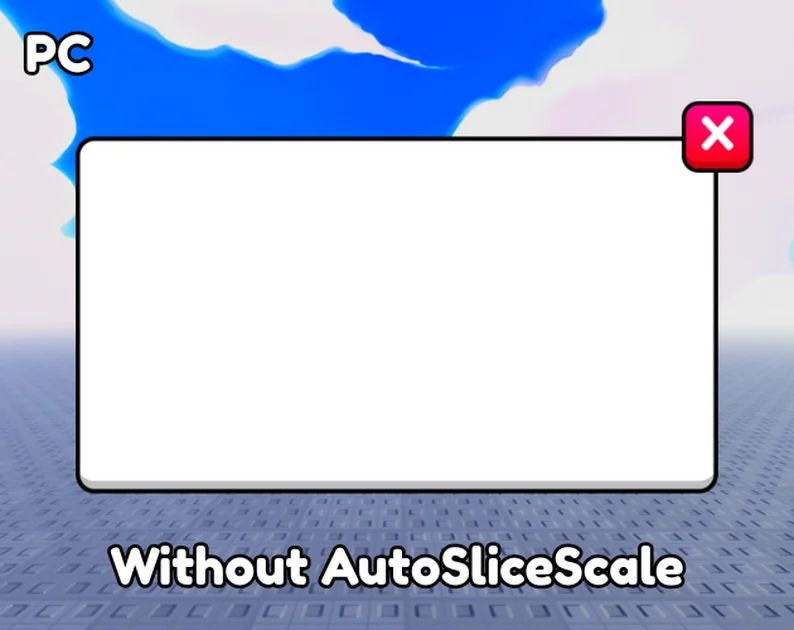
AutoSliceScale automatically scales the SliceScale property of Roblox UI objects based on the player's viewport size, making 9-slice UI elements more responsive across different resolutions.

Features

Show full description...
  • Lightweight and easy to set up
  • Fully open source
  • MIT License

Setup

  • Place the LocalScript in StarterPlayerScripts.
  • Tag each UI object you want to scale with "Slice".
  • Configure the SliceScale Attribute if needed.
  • Set REFERENCE_WIDTH and REFERENCE_HEIGHT to match the resolution used to design your UI.

To find your current viewport resolution, run this in the Roblox Studio Command Bar:

print(workspace.CurrentCamera.ViewportSize)

Use the resulting X and Y values as your reference resolution.

Roblox Creator Store

You can also get AutoSliceScale directly from the Roblox Creator Store:

AutoSliceScale on Roblox Creator Store

Feedback, suggestions, and contributions are always welcome.

License

This project is licensed under the MIT License.

Tags

9-sliceGraphical User Interface (GUI)luaLuauresponsive-uiRobloxSlice Of LifeslicescaleUser Interface (UI)

Downloads

Name your own price.