GetAssetPack

Split Screen - 256:135 DCI
Split Screen - 256:135 DCI
Price
Free
Type
Icons
Creator
AdamStanislav
License
CC0
Dimensions
2D

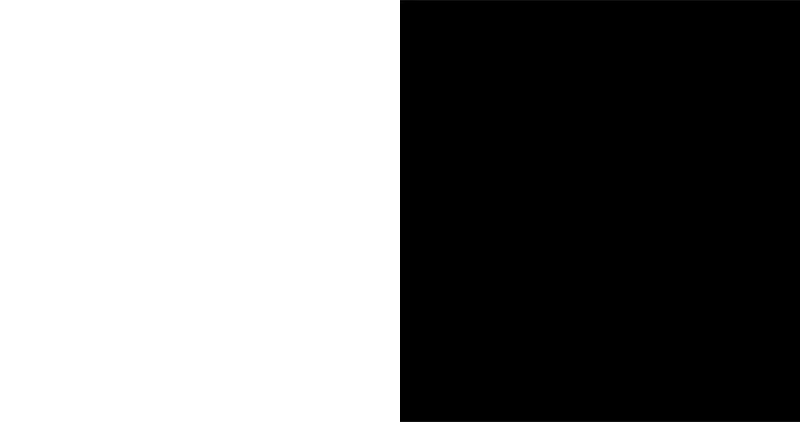
When editing video, it is sometimes useful to split the screen into two halves, showing something in one half, something else in the other half. For example, one might want to show some original video in the left half, and the same video with some effect applied in the right half.<br /> <br /> Video editors often allow us to use a mask, whereby a white portion of the mask allows to show one track and the black one another track.<br /> <br /> This is such a mask for any size video having the 256:135 width-to-height ratio. Because this is SVG, you can export it to a bitmap of suitable size, for example 4096x2160 for DCI 4k and use that as the mask. Please note that the DCI 4k has the same number of lines as 4k UHD (2160) but is wider (4096 DCI vs. 3840 UHD). Most film festivals, at least in the US, require digital films in DCI 4k.<br /> <br /> <a href='https://en.wikipedia.org/wiki/4K_resolution#DCI_Digital_Cinema_System_Specification' rel="nofollow">https://en.wikipedia.org/wiki/4K_resolution#DCI_Digital_Cinema_System_Specification</a><br /> <br /> You can convert the SVG source to a 4k DCI PNG bitmap using Inkscape like this:<br /> <br /> <b>inkscape -h 2160 -e SplitScreenDCI.png SplitScreenDCI.svg</b><br /> <br /> It will automatically make the bitmap 4096 wide.

Available on

Search by image

Upload a reference to find previews with similar colors, contrast, and detail.

Split Screen - 256:135 DCI

Split Screen - 256:135 DCI
AdamStanislav · OpenClipArtFree
2D
Icons
CC0 · Public domain dedication
  • ✓ Commercial use, edits and redistribution
  • ✓ Attribution is optional
  • i Trademark and privacy rights still apply
Show full terms

When editing video, it is sometimes useful to split the screen into two halves, showing something in one half, something else in the other half. For example, one might want to show some original video in the left half, and the same video with some effect applied in the right half.<br /> <br /> Video editors often allow us to use a mask, whereby a white portion of the mask allows to show one track and the black one another track.<br /> <br /> This is such a mask for any size video having the 256:135 width-to-height ratio. Because this is SVG, you can export it to a bitmap of suitable size, for example 4096x2160 for DCI 4k and use that as the mask. Please note that the DCI 4k has the same number of lines as 4k UHD (2160) but is wider (4096 DCI vs. 3840 UHD). Most film festivals, at least in the US, require digital films in DCI 4k.<br /> <br /> <a href='https://en.wikipedia.org/wiki/4K_resolution#DCI_Digital_Cinema_System_Specification' rel="nofollow">https://en.wikipedia.org/wiki/4K_resolution#DCI_Digital_Cinema_System_Specification</a><br /> <br /> You can convert the SVG source to a 4k DCI PNG bitmap using Inkscape like this:<br /> <br /> <b>inkscape -h 2160 -e SplitScreenDCI.png SplitScreenDCI.svg</b><br /> <br /> It will automatically make the bitmap 4096 wide.

View original listing