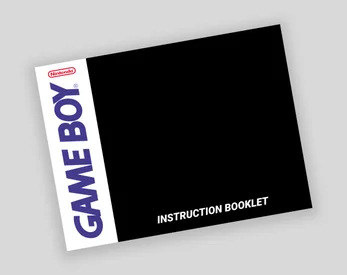
A simple instruction booklet template for your Game Boy game made in Figma.
1. From Figma's file browser, select Import File then choose this .fig file.
2. Edit this file as needed (it uses the Roboto font, that you can find on Google Fonts, but you can change it to anything else if you prefer)
Show full description...
3. Export each page as a 1x PDF, then compile into a booklet using Adobe Acrobat (or something similar).
Release v5
Added a cart sticker template too.
I've used Sticker Mule and had good results (set dimensions to 42mm x 37mm, rounded corners, set a custom amount - minimum is 10, and in the instructions ask for a corner radius of 2.54 mm).
Use my affiliate link to get £8 of free credit (I get the same too)
https://www.stickermule.com/uk/unlock?ref_id=0225535701&utm_medium=link&utm_sour...
FAQ:
Do I need to credit you if I use this?
Nope.
How do I make a QR Code?
Google "QR Code SVG Generator" then drag the generated SVG into Figma.
This Figma file could be tidier
I agree.
All trademarks and logos are the property of their respective owners.
 GetAssetPack