GetAssetPack

Using Values to Control Materials
Using Values to Control Materials
Price
$4.50
Type
Textures

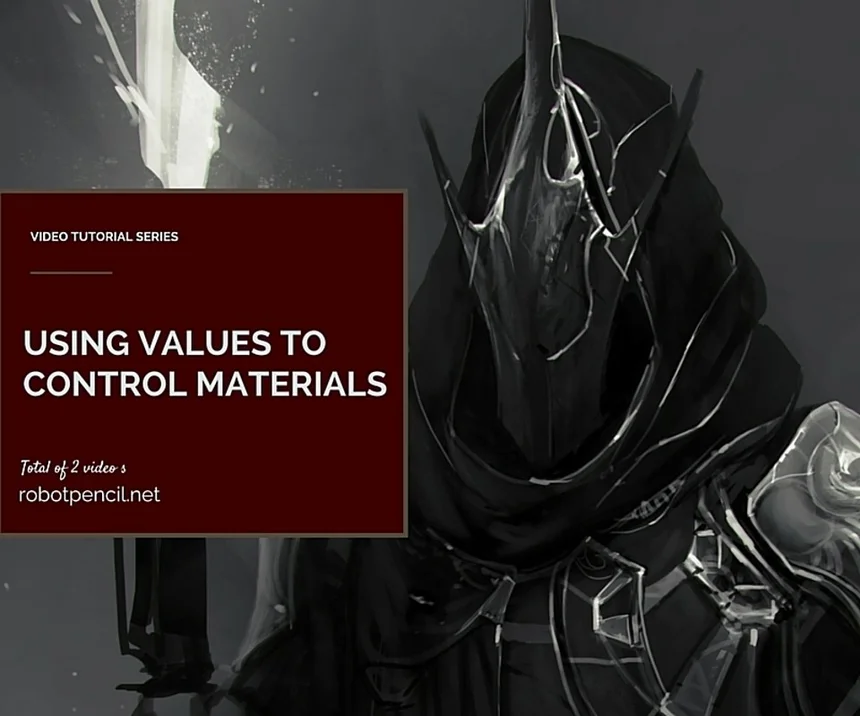
A 30-minute lecture and 60-minute touch-up video cover values, opacity, flow, and controlling material shine, with a PSD and brush and tool presets.

Using Values to control Materials. This is a follow up video to the Painting with Materials video, but focused mostly on the tools, and values. The topics covered: Understanding Hotkeys more than ever. Demonstrating a control of Opacity and Flow. Being Patient before lighting. How to determine when to make things shiny or when not too. This product contains: 30 minute lecture video, 60 minute touch up video, PSD File, Hotkeys, Brush and Tool Presets. For more videos please visit Robotpencil.n...

Available on

Search by image

Upload a reference to find previews with similar colors, contrast, and detail.

Using Values to Control Materials

Using Values to Control Materials
Cubebrush$4.50
Textures
License not indexed
  • i Check the terms on the original listing.
Show full terms

Using Values to control Materials. This is a follow up video to the Painting with Materials video, but focused mostly on the tools, and values. The topics covered: Understanding Hotkeys more than ever. Demonstrating a control of Opacity and Flow. Being Patient before lighting. How to determine when to make things shiny or when not too. This product contains: 30 minute lecture video, 60 minute touch up video, PSD File, Hotkeys, Brush and Tool Presets. For more videos please visit Robotpencil.n...

A 30-minute lecture and 60-minute touch-up video cover values, opacity, flow, and controlling material shine, with a PSD and brush and tool presets.

View original listing