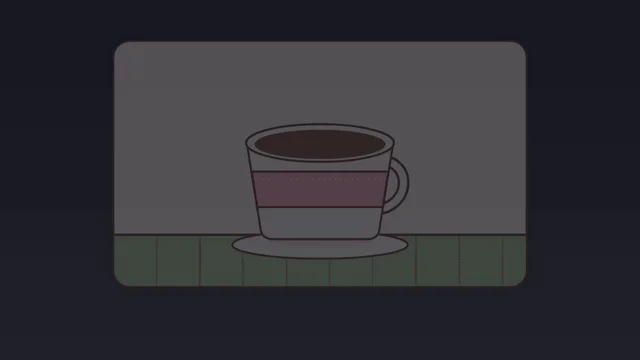
Cute cozy Twitch alerts for your stream overlay: three matching hand-drawn cat café alerts in warm cream, strawberry pink and matcha green, each with its own gentle sound. Made for cozy, kawaii and VTuber streams.
New Regular (new follower alert). A sleepy grey tabby on the café windowsill wakes up, stretches and holds up a little sign with the follower's name.
Show full description...
Latte Love (new subscriber alert). Milk pours, a heart blooms in the foam and the subscriber's name lands on a pink ribbon, with a cup clink and a music-box tune.
Café Door (raid alert). The door swings open to a shop bell and the chalkboard welcomes the raider and their party.
What's in the download
- A transparent 1920 × 1080 WebM video of each alert, with sound
- Paste-in code for StreamElements and Streamlabs that shows the viewer's name and raid size live
- Each sound as MP3 and OGG
- A one-page setup guide per alert, and a try-it page you can open in Chrome
Works with OBS Studio, Streamlabs Desktop and StreamElements, on Twitch, Kick and YouTube.
How do I add these alerts in OBS?
Add the WebM as a Media Source, untick Loop and tick "Restart playback when source becomes active". It plays once with its own sound over your stream.
How do I add them in StreamElements or Streamlabs?
Open your alert box, choose the alert type, turn on custom HTML/CSS and paste in the three files from the matching folder. The viewer's name shows live. Set the duration to 7 seconds.
Will long usernames fit?
Yes. Names up to Twitch's 25-character limit shrink to fit.
 GetAssetPack