 GetAssetPack
VoxSplit Pro
- Type
- Sounds
A dialogue tool that separates two overlapping voices into independently editable tracks, for voice editing, processing, and restoration.
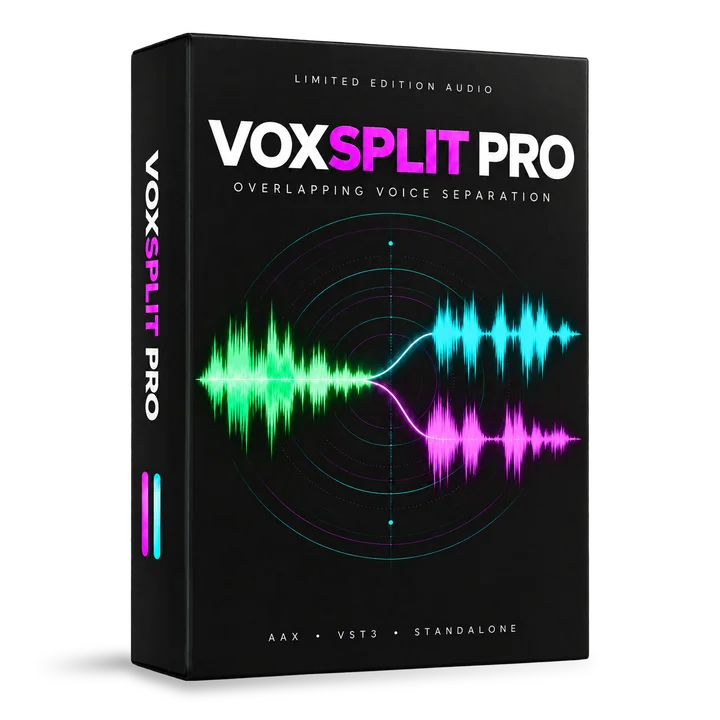
Separate overlapping dialogue. Keep the performance. VoxSplit Pro separates two overlapping voices from a single recording and delivers them as two independently editable tracks. It was created for a situation every dialogue editor knows: two actors speak at the same time, but only one performance needs ADR, editing or different processing. Instead of rebuilding the entire moment, VoxSplit Pro lets you work on each voice separately. One recording. Two editable voices. Separate the overlap into Voice A and Voice B. Edit, process or replace one performance while preserving the timing, delivery and intention of the other. Built for real dialogue-editing problems Replace only one actor’s line when two performances overlap. Adjust the timing or processing of each voice independently. Reduce an intrusive background speaker. Rebalance voices recorded at different levels. Clean up and denoise difficult dialogue recordings. Recover more control from production sound that would otherwise require ADR or extensive reconstruction. Three processing profiles Standard, Precision and Rescue are three alternative approaches to the same material—not ascending quality levels. Because every overlap is different, the intended workflow is simple: process the passage with each profile, compare the results by ear and keep the version that works best. The optional Presence control can restore additional high-frequency detail as a finishing step. A straightforward professional workflow AAX AudioSuite Capture a selection in Pro Tools, process it offline, audition either separated voice and render the chosen result directly into the session. VST3 Use VoxSplit Pro from a compatible VST3 host as part of your editing and restoration workflow. Standalone application Drag and drop an audio file, process it and export Voice A and Voice B separately as WAV, AIFF, FLAC or MP3. Your audio stays on your Mac All separation and denoising are performed locally. Your recordings are not uploaded to a cloud…