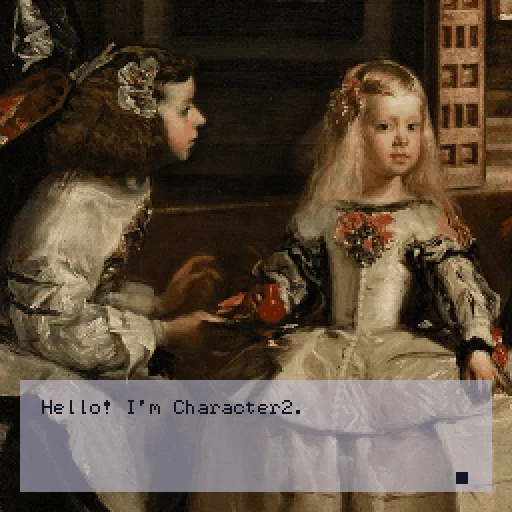
A template to make tiny Visual Novels with Ink using binksi HD.
This is a slightly more sophisticated version of what I used to create The Fragment. So feel free to check it out to see what can be achieved with this template!
Instructions on how to write with Ink.
General binksi documentation.
Show full description...
To customise it, just edit the file as you need it.
Click on the triangles below to expand.
Default Text Style
Change the settings for choice menus and untagged lines in the say-style field inside the avatar event.
The options available are:
- anchorX (accepts integers from 0 to 1)
- anchorY (accepts integers from 0 to 1)
- lines (whole number)
- lineGap (whole number)
- padding (whole number)
- glyphRevealDelay (accepts integers as seconds)
- panelColor (hexcolor)
- textColor (hexcolor)
- lineWidth (whole number)
Character Dialogue Boxes
Rename the `characterX` field to whatever the name of your character is, change the elements in the json code (to change number of lines displayed in the box, colour of the text/panel and use
#say-style: charactername-style
to apply that formatting to a line in the ink.
Splash Screen
Replace this file with your own splash screen (size needs to be 256x256)
Title Menu
Replace this file to add your own custom title menu screen (size needs to be 256x256)
CG
Attach your own CG here (size needs to be 256x256)
Looping music
Replace the file here to play your own music file.
 GetAssetPack