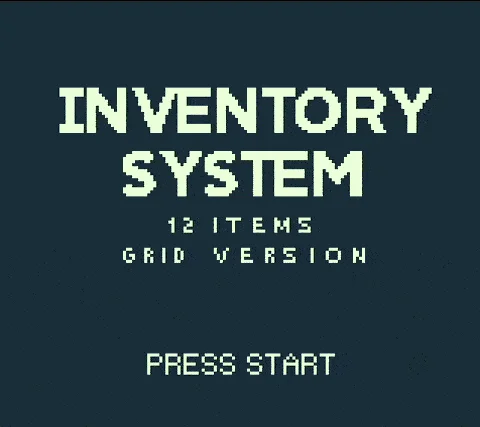
This template and tutorial allows you to be able to make your Top Down RPG have a grid inventory system in GB Studio.
Show full description...
Press Start, use directional buttons to make your character grab items that are numbered 1-12 (sample purposes only). Press B to open BAG menu or X (if you're using a computer). Press A or Z (if you're using a computer) to confirm and check your inventory. There you will see your items (numbered 1-12 just for sample sprites only). Exit your inventory and collect more items. Check inventory once again.
_____________________________________________________________________
Features (and reminders):
- This is a basic Inventory System Template that is in a grid format.
- It uses a variable that counts how many items are in your inventory.
- It switches sprites depending on how many items you have and which items you picked up.
- It automatically sorts the items depending on which ones are allocated to the numbering. For example, if you change the sprite of item slot number 1 into a bottle sprite. Any bottle sprite that are on the item slot number 1 variable will all be next to eachother. (see last screen shot for reference, the numbers 2,2 and 6,6 are next to eachother)
- Once inventory is full I have created a simple system where in you can no longer pick up any items. It is now up to you to tweak the code if you want to be able to consume items or discard items to lessen the number of items in the inventory.
Limitations:
- This system/template is only a basic system, it is created for the user to see how an inventory grid system can work in GB Studio using sprite switching and item counters. It auto sorts the item that are identical to each other and makes them stick to each other because as you get an item it scans through each event before it applies the necessary switches.
- You can only pick up items and check your inventory as the graphical assets show up and are displayed in the inventory interface. You cannot discard or consume items in this inventory system template.
*If you do purchase this and you encounter bugs, kindly let me know so i can fix it and upload a better file. Thank you for your continuous support!
Do as you wish with how this template works, you may tweak it, copy and apply it to different games. You may even change how the inventory interface is, the items (ofcourse) and everything else just make sure to double check the sizes of everything and do trial and error and see what works best for you!
If you're having a hard time to make it work. Just copy everything to the dot then work from there :)
--------------------------------------------------------------------------------
*Purchasing this will encourage me to make more systems and even graphical assets!
By supporting what I do, it encourages me to do more!
Thanks for dropping by!
 GetAssetPack