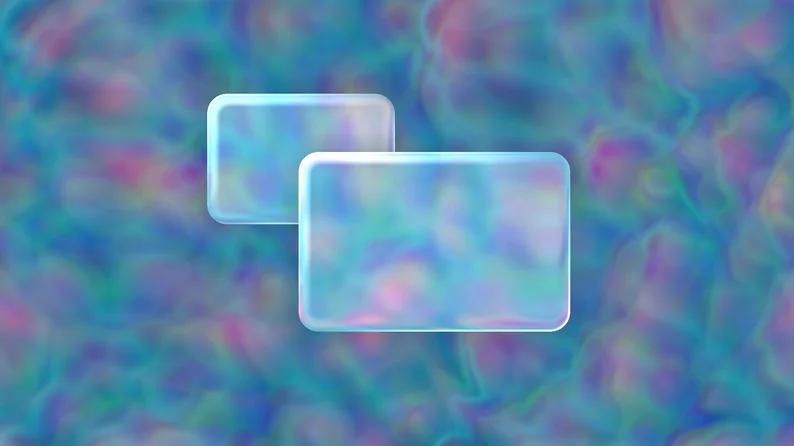
Watch out [redacted] technology company known for making things such as phones with a fruit logo, because I'm coming for your UI design with this fluid (not liquid) glass UI shader.
Show full description...
- Options for rim light etc.
- Meant for objects utilizing StyleBox, so it's easy to use already existing tools to change the shape and color.
Support me on Patreon to get presets, weekly assets and vote on new things!
Versions
The full version comes with a few presets, but it's more of a support version since everything can be easily made with the shader. It includes a few preset shader materials and versions for buttons (normal, pressed, hover..).
Usage
As mentioned this shader is meant for UI nodes that utilize StyleBoxes (Panels, Buttons, Tabs etc.). This is because they're already well integrated into the ui system and allow you to easily change the shape and add things like shear, shadows and such.
- Add the provided base StyleBox to your UI Node
- Add the shader to the material slot in your UI Node
- You're done!
For more information on how things work:
- The refraction is based on the transparency of the panel.
- The base StyleBox color's alpha is set to 0, and it has a blended border which has alpha set to 1,allowing for the shader to warp the edges more the closer they are to the edge
- The light values are also based on the border of your stylebox, so think of it as the master control for things
Blur
If you're just interested in the blur part, I wrote a guide about it on my blog:
https://bun3d.com/tutorials/misc/godot_blur_shader/
Licensing:
You're free to use the assets in this pack for personal, educational and commercial projects with no attribution required (CC0).
Other things from me:
 GetAssetPack